
Stay up to date with the latest developments
Leave your email address and receive the latest developments in software, AI and Mendix.
Leave your email address and receive the latest developments in software, AI and Mendix.
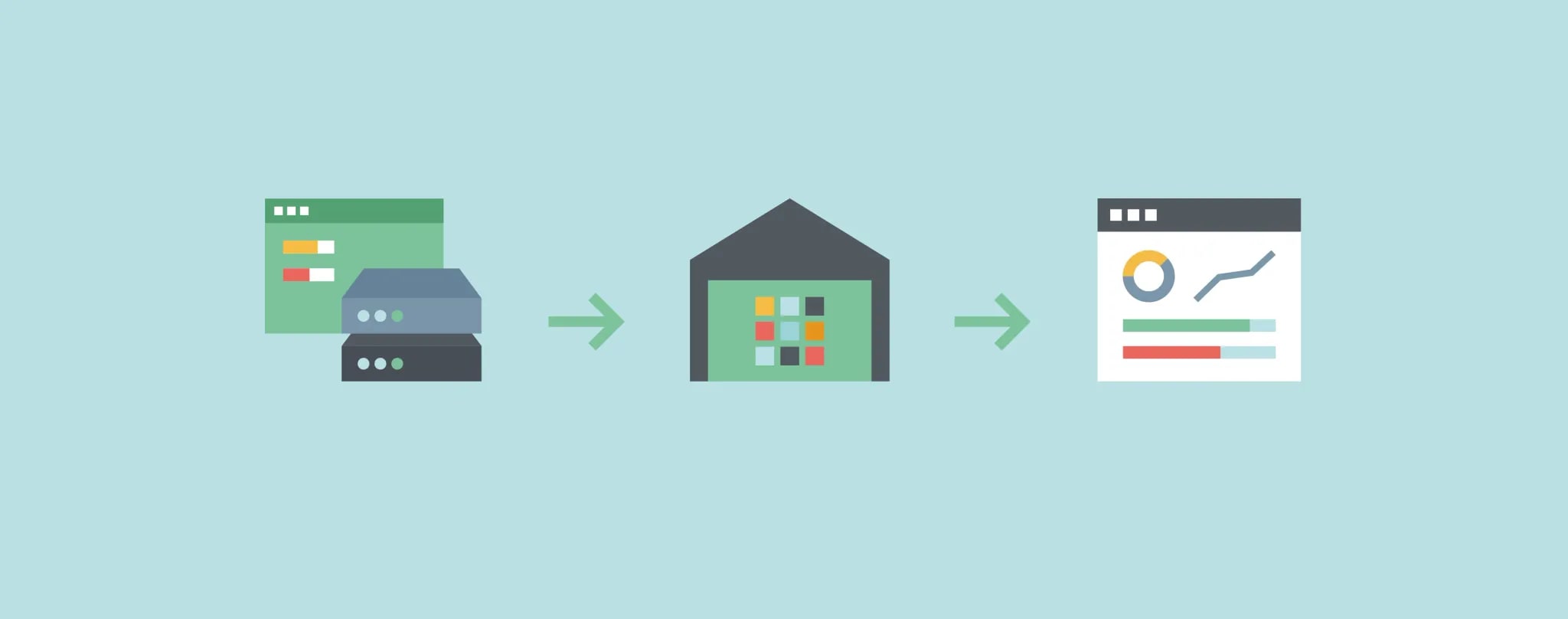
Your web application collects a great deal of important business information: think of the number of leads, the number of sales and product stock. Among other things, you can use that data to measure how effective the application is, how the tool is being used and how you are doing against your targets.
Many companies use a monthly recurring report to measure the progress of the work and their KPIs. Collecting data from your application is therefore an important task.
But how do you export all that data from your application and import it into your own analysis software?
Exporting large volumes of data from an application often causes problems. The database is so large, and so full of all kinds of rules that slow down or even block the export, that collecting everything can sometimes take days. The data is stored in a particular way so that the web application works optimally. There are security rules and access rules, and a lot of extra information is stored. All that data is needed to make the application work properly, but it makes exporting the data from the application unnecessarily hard.
The solution is actually very simple. Alongside the web application's database, we create an external database, also known as a Data Warehouse. This extra database is not used for running the application, but for analysing the data.
For example, the production data is optimised to show real-time information and to process transactions as quickly as possible, whereas that is not necessary for analysis data. That data can therefore be stored in an optimised form in the data warehouse.
The application's database is synchronised with the data warehouse every hour, so that only a small part of it needs updating each time. That makes the process much faster and means the data is available at any moment to be imported into your analysis software (think of reporting software or Microsoft Excel).
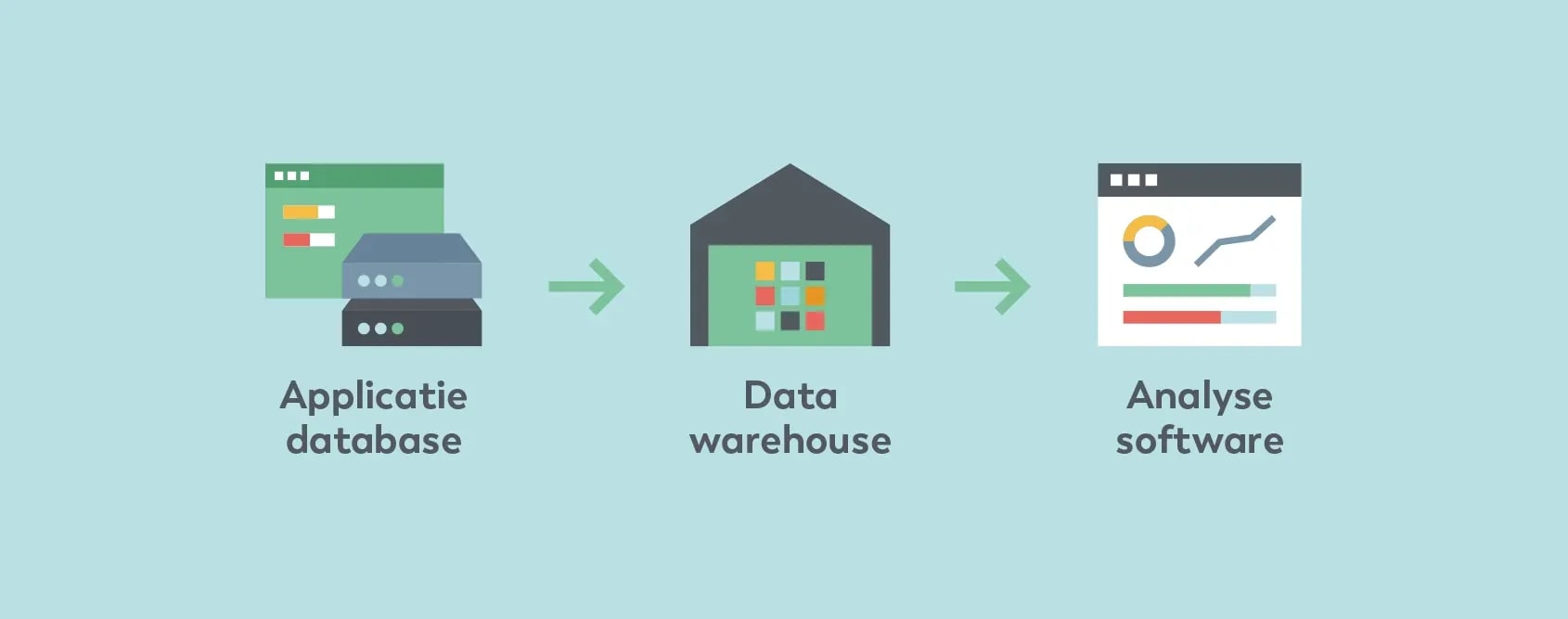
Data warehouses can be set up in different ways. JAM-IT uses a combination of Singer and Apache Airflow for this.
Singer is an open source standard for ETL. That abbreviation stands for Extract, Transform, Load: copying and optimising data from one or more sources into another system. We use this standard to export the data from the application and import it into the data warehouse.
To schedule this task we use Apache Airflow. This is an open source platform for managing workflows, including running tasks periodically. We use it to synchronise the database with the data warehouse every hour, following the Singer standard. Airflow then handles everything that comes with it, such as scheduling the tasks, tracking their status and reporting when a task cannot be run.
This way the data warehouse is continuously synchronised with the data from the application. The data can be downloaded from it for analysis at any moment.
The data can be imported from the data warehouse for use in various ways. It can be uploaded to a reporting tool, for example, or converted into a .csv file so it can be processed in Microsoft Excel.
Now you can run any queries you want on it. Think of statistics such as totals, the sum, the maximum or the average of a given dataset. Because all the data has been optimised and gathered in one place, the analyses can be produced much faster.
An added benefit is that you are not dependent on how the data is stored in the application's database. The data in the data warehouse has, as it were, been cleaned up and restructured so that the end user can work with it properly.
 Want to know more?Ask Armando
For a long time low-code played a supporting role in software development. The larger, more complex applications were bu...

With the low-code platform Mendix you can easily build apps that work well, even if you do not have much programming exp...
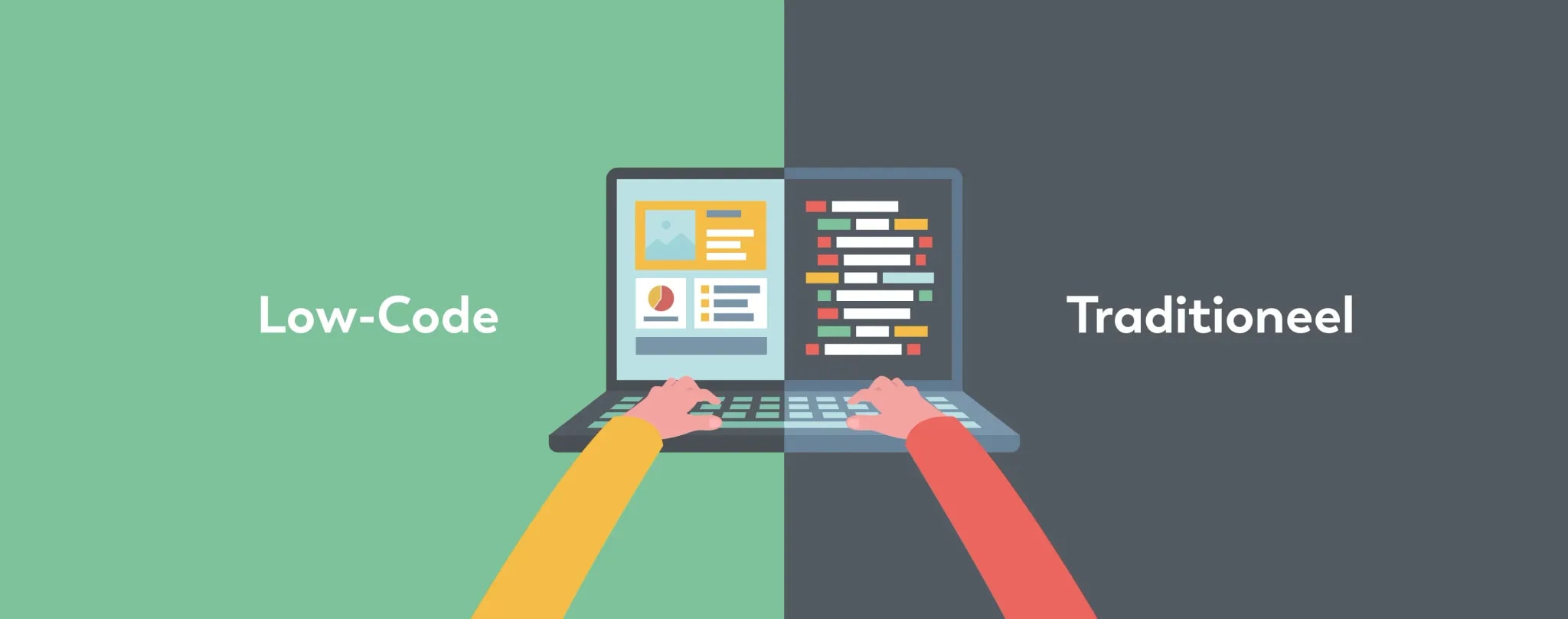
Which technology do you choose for your application: low-code or traditional? At JAM-IT we work with both techniques and...