
Stay up to date with the latest developments
Leave your email address and receive the latest developments in software, AI and Mendix.
Leave your email address and receive the latest developments in software, AI and Mendix.

The log4j exploit is big news. But what impact does it have on you as a Mendix developer? We are here to help!
Last Thursday (9 December) a new exploit was disclosed in the widely used Java logging library log4j. See this news item, among others.
This exploit can allow attackers to execute code remotely by having a specific message logged. A server can even be taken over completely.
Because the log4j library is used by Mendix and a great many other systems, this exploit has a big impact.
Just about everyone who uses the log4j library. Besides Mendix, that includes parties such as Apple and Netflix.
A (long) list of companies that were or are vulnerable can be found here.
To be precise, it concerns specific versions of Log4j that contain the vulnerability:
log4j v2Almost all versions of version 2 are vulnerable. Updating to 2.16.0 is recommended.
log4j v1All versions of version 1 are vulnerable, so you have to update to version 2.16.0.
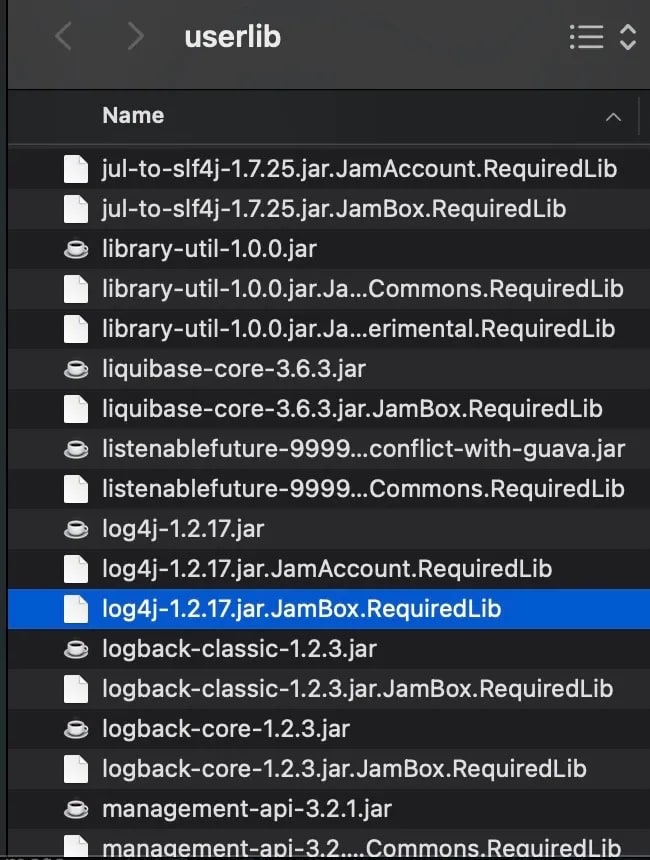
If you use the log4j library, it will be in the userlib folder of the Mendix project.
If you only have a few projects, this is easy to check by hand, but if you have many projects it can take a lot of time. Time for a script!
The following is based on OSX:
In the script we make use of jq and subversion:
brew install jq
brew install subversion
Save the script below in a file with a .sh extension. Note: replace the xxxx with your own credentials.
#!/bin/bash
set -u
set -e

workingDir=/tmp/mendix
mendixApiKey="xxxxx-xxxxx-xxxxx-xxxxx"
mendixUsername="xxxx@xxx.xx"
mendixPassword="xxxxxxx"

mkdir -p $workingDir

projects=$(curl -s -H "Mendix-Username: $mendixUsername" -H "Mendix-ApiKey: $mendixApiKey" https://deploy.mendix.com/api/1/apps -X GET)
echo "projects=${projects}"

for row in $(echo "${projects}" | jq -r '.[] | @base64'); do
        projectId=$(echo ${row} | base64 --decode | jq -r '.ProjectId')
        echo "projectId=${projectId}"
        projectName=$(echo ${row} | base64 --decode | jq -r '.AppId')
        echo "projectName=${projectName}"

        svn checkout --username $mendixUsername --password $mendixPassword --non-interactive "https://teamserver.sprintr.com/${projectId}/trunk/userlib/" $workingDir/${projectName}-main/userlib/
done

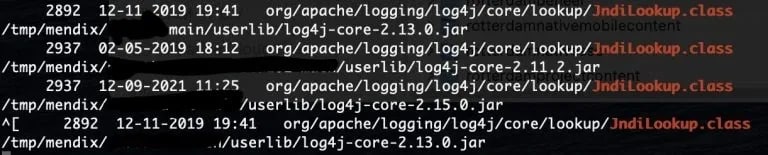
find ${workingDir} -name "*.jar" -exec sh -c 'echo "{}" | grep -i --color=always log4j-core-.*.jar' \; -print
Run the script with ./filename.sh or sh filename.sh
The result looks like this:
In the userlib of your project you will then see the file:
If you are using a vulnerable version of log4j, there are two options:
Remove the .jar, with the risk that something breaks.
Update log4j to at least version 2.16.0. You can do that via this link.
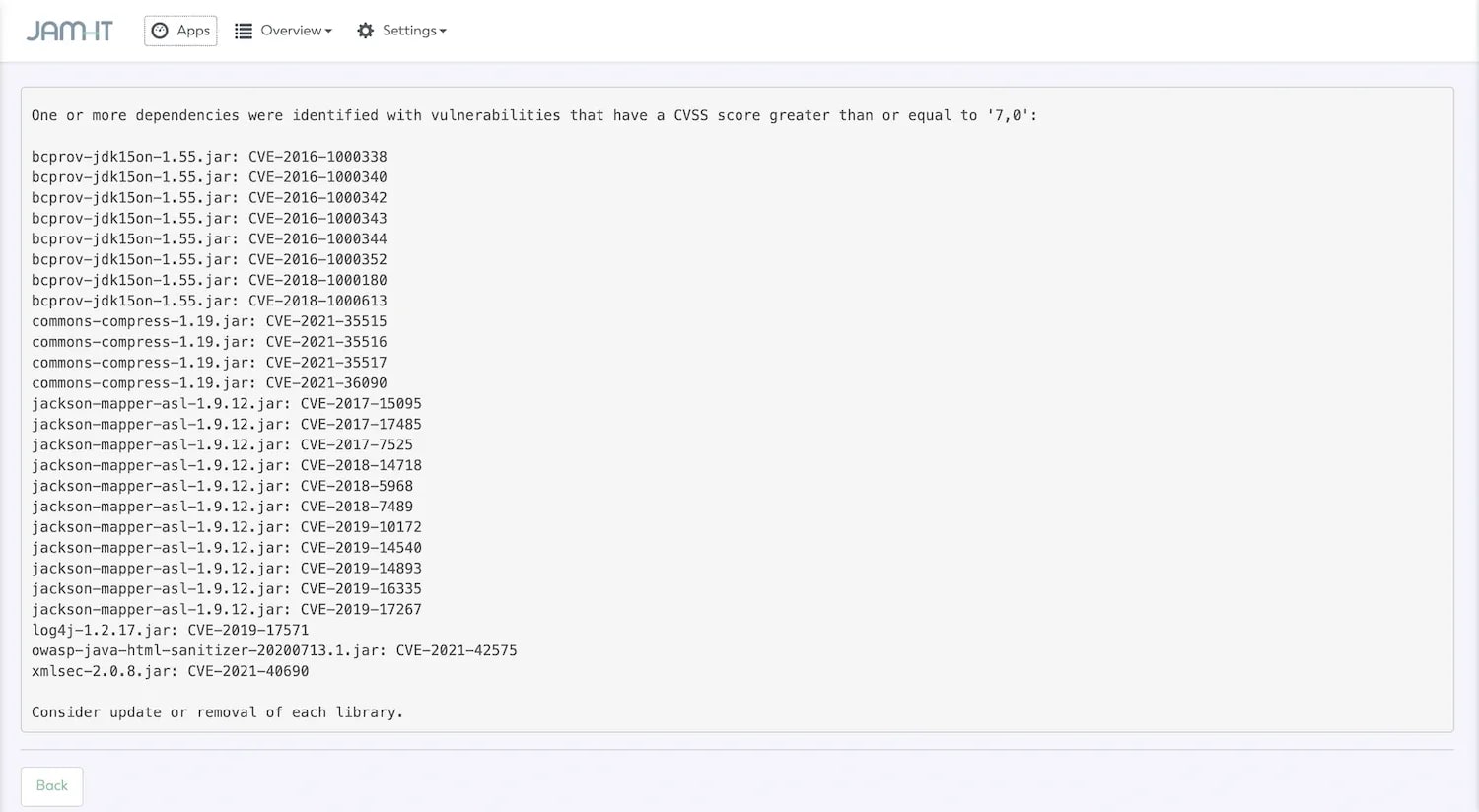
The log4j vulnerability is one of many vulnerabilities that Java libraries can contain. So fixing this exploit does not immediately make you safe.
At JAM-IT we believe in smart automation of tasks such as security, deployment and quality checks. That is why JamOps includes a Java library vulnerability scan that continuously checks your project for known exploits. As a result you are far better protected, not just now but in the future as well.
 Want to know more?Ask Armando
Is Mendix the right choice for your organisation or project? We are happy to help you answer that question. Mendix very ...

For a long time low-code played a supporting role in software development. The larger, more complex applications were bu...

"Is a low-code platform like Mendix not very limiting?" We get that question regularly, and the answer is short: no! Men...